MFA, conditional access, anti-spam, and audit logging — the foundational settings we turn on first for every new Microsoft 365 tenant.
Microsoft 365 is powerful out of the box, but “out of the box” is not the same as “secure by default.” Most tenants we inherit have dozens of foundational protections either disabled or left at permissive defaults. These are the settings we enable first on every new tenant — and they form a baseline every organization should verify.
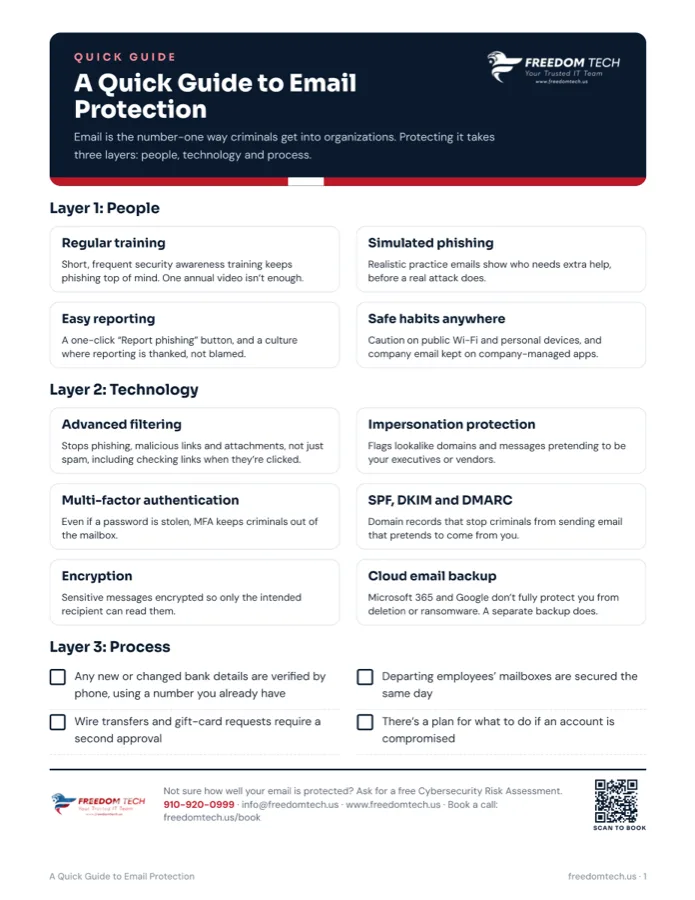
Multi-factor authentication for every account. MFA is the single highest-impact control you can enable, and it stops the overwhelming majority of credential-based attacks. Require it for admins first, then for every user — and prefer authenticator apps or hardware keys over SMS where possible.
Conditional access policies. MFA alone is not enough if attackers can sign in from anywhere. Conditional access lets you require MFA, block legacy authentication protocols, and restrict sign-ins by location, device health, or risk level. Blocking legacy auth in particular closes one of the most common bypass routes.
Anti-spam and anti-malware tuning. The default Exchange Online Protection filters are a starting point, not a finished configuration. Tightening inbound filtering, enabling Safe Links and Safe Attachments (Defender for Office 365), and quarantining high-confidence phishing mail dramatically reduces the email-borne attacks that cause most breaches.
Audit logging turned on. If you cannot see what happened, you cannot respond to it. Unified audit logging should be enabled from day one so that, when an incident occurs, you have the timeline you need to investigate and recover.
Admin privilege minimization. Most users should not be global admins, and global admin accounts should be cloud-only, MFA-enforced, and used solely for administrative tasks. Separating everyday accounts from privileged ones limits the blast radius of any single compromise.
These baselines do not make a tenant fully secure — but they close the doors that attackers walk through most often. Freedom Tech configures and maintains these foundations for every managed IT client. If you are unsure whether yours are in place, a quick security baseline review, included in our free Cybersecurity Risk Assessment, is an easy way to find out.