
Support Center · How-To Guides
1Password Help
Quick guidance for using 1Password at work: setup, the browser extension, secure sharing, Watchtower, passkeys, and common day-to-day tasks.
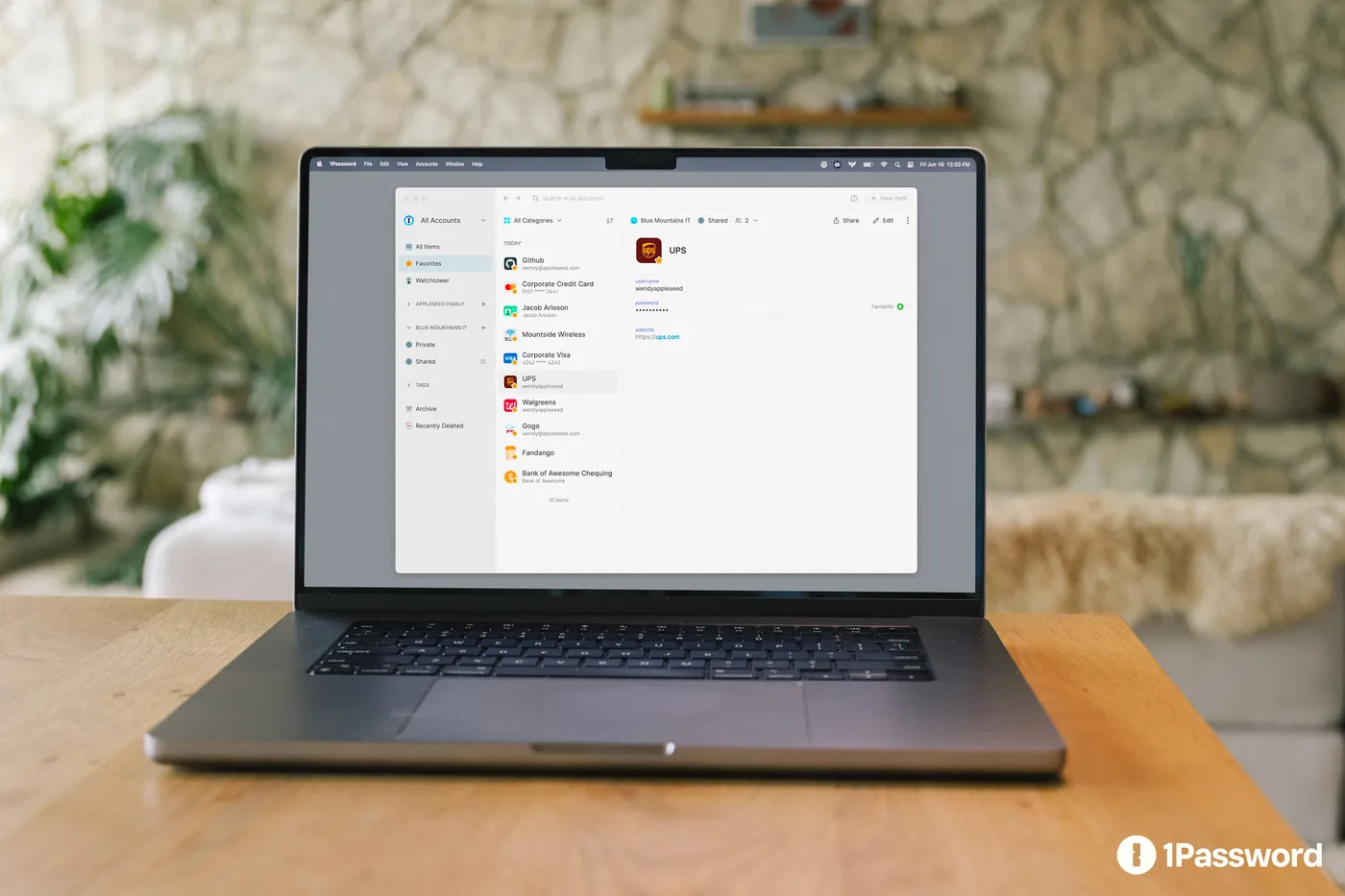
What Are You Trying To Do?
Popular 1Password Guides
Official 1Password documentation opens in a new tab so instructions stay current. Freedom Tech remains your support path for the managed environment.

Need Hands-On Help?
Managed clients can contact the Freedom Tech support desk. Describe what you are trying to do, but never send credentials.
Contact SupportNew Employee Quick Start
Your First Day With 1Password.
A simple path for getting secure without turning onboarding into another IT project.
Accept your invitation
Use the workplace invitation sent to your business email address.
Save your Emergency Kit
Store recovery information somewhere secure and approved by your organization.
Install the apps
Add 1Password to your computer, browser, and mobile device as needed.
Move work credentials
Save business logins in the appropriate vault instead of your browser or notes.
Good Everyday Habits
Small Habits. Stronger Security.
Use 1Password to generate unique passwords instead of creating memorable variations.
Keep business credentials in business vaults rather than personal notes or browser storage.
Use shared vaults when coworkers need ongoing access to the same account.
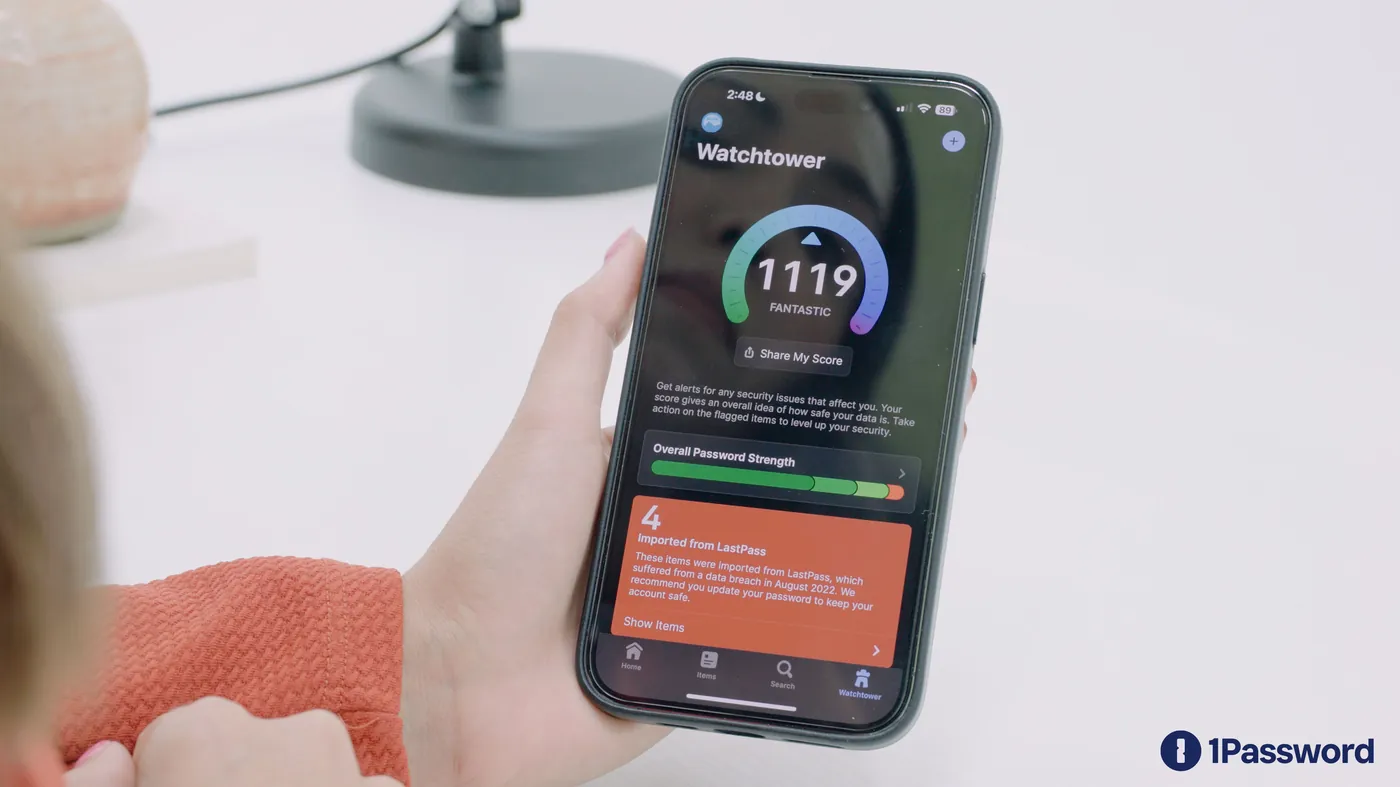
Review Watchtower alerts and update credentials when action is recommended.
Use MFA or passkeys where your organization and the service support them.
Traveling internationally? Ask Freedom Tech about Travel Mode before you go so only travel-safe vaults are on your devices.
Never Send These To Support
Freedom Tech can help troubleshoot your account without asking you to email or text sensitive recovery information.
New Employee?
Start with the invitation from your organization. If your company uses Microsoft sign-in, you may unlock 1Password with your work account instead of a separate password.
New Computer Or Phone?
Use the Add A New Device guide. Contact support if company policy requires assistance enrolling the device.
Leaving The Organization?
Follow your employer's offboarding process. Business vault data should remain with the organization.
New to managed 1Password?
See how Freedom Tech deploys, organizes, secures, and supports credential management for businesses.